Preview
Site content and navigation may change after the screenshots are captured. These desktop views were captured while signed in. The examples show existing configurations, not a guarantee of a site’s current component version.
Header and navigation examples
Section titled “Header and navigation examples”Repeal OBBBA Forum
Section titled “Repeal OBBBA Forum”
The Bridge demonstration site
Section titled “The Bridge demonstration site”
RVing Community
Section titled “RVing Community”
DiscussionBridge Forum
Section titled “DiscussionBridge Forum”
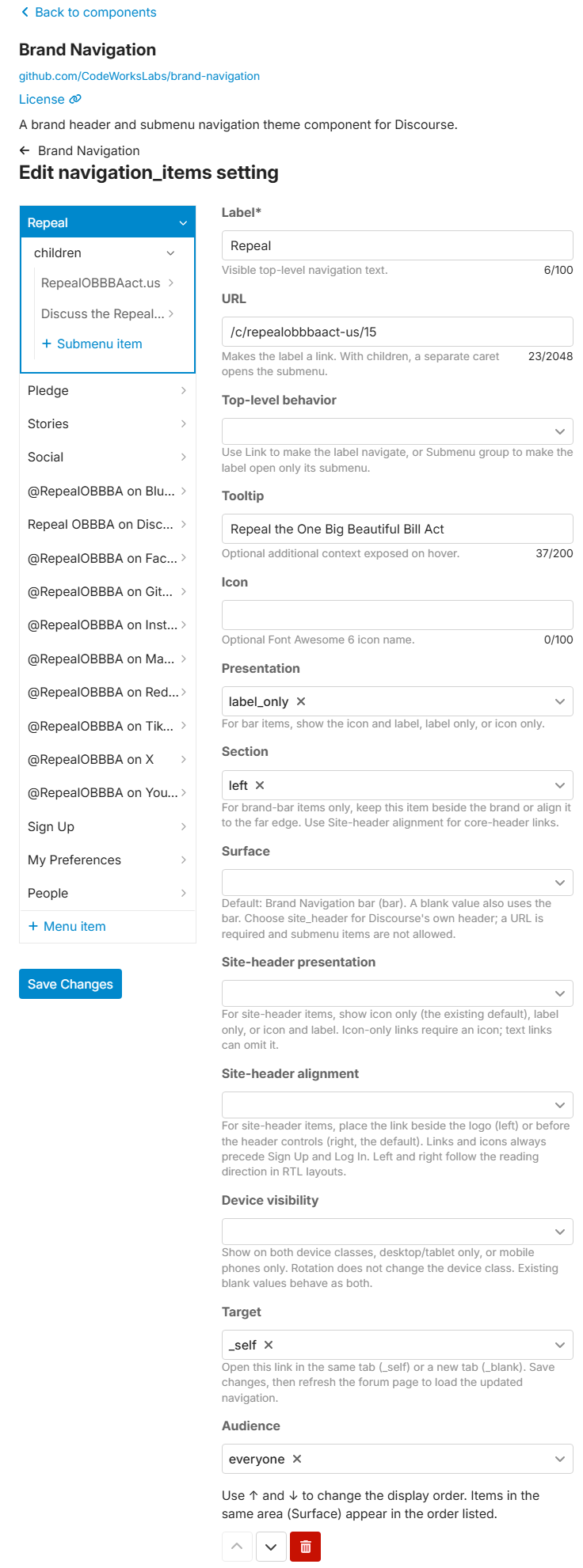
Administration screenshots
Section titled “Administration screenshots”Select either preview to open the full-size screenshot.